


Hypnotic Ball Physics Simulator for Relaxation
Overview
Kinetic Balls is a desktop application designed to provide a calming, visually engaging experience through realistic physics-based ball simulations. Inspired by classic Newton’s cradle mechanisms, the software recreates the mesmerizing motion of swinging and colliding balls, offering a simple yet immersive way to unwind. It is tailored for users seeking a brief mental reset during work breaks or moments of stress.
The application functions as a digital relaxation tool, leveraging smooth animations and responsive physics to create a meditative environment. While it lacks traditional productivity functions, its purpose lies in mental decompression and sensory engagement. The developer did not provide additional background information, but the software’s design suggests a focus on user experience and visual fidelity.
Real-world usage includes short sessions during work pauses, background entertainment while multitasking, or a creative outlet for users interested in physics simulations. Its lightweight nature makes it suitable for quick access without system strain.
Key Features & Capabilities
- Realistic Physics Engine – The simulation accurately models momentum transfer and collision dynamics, replicating the behavior of real-world Newton’s cradles with high precision.
- Interactive Ball Control – Users can hold and drag one or multiple balls, then release to launch them into the cluster, creating cascading motion sequences.
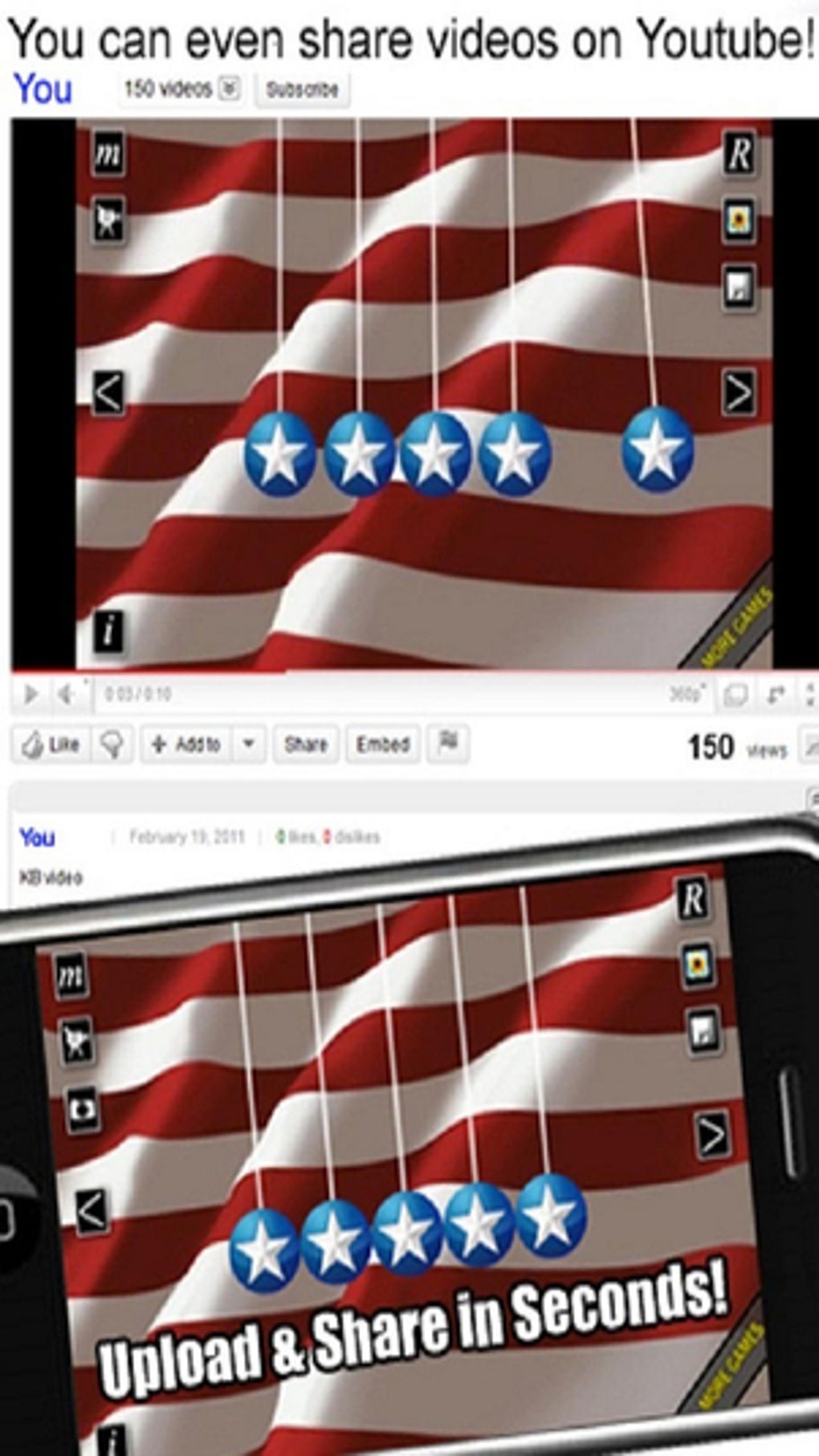
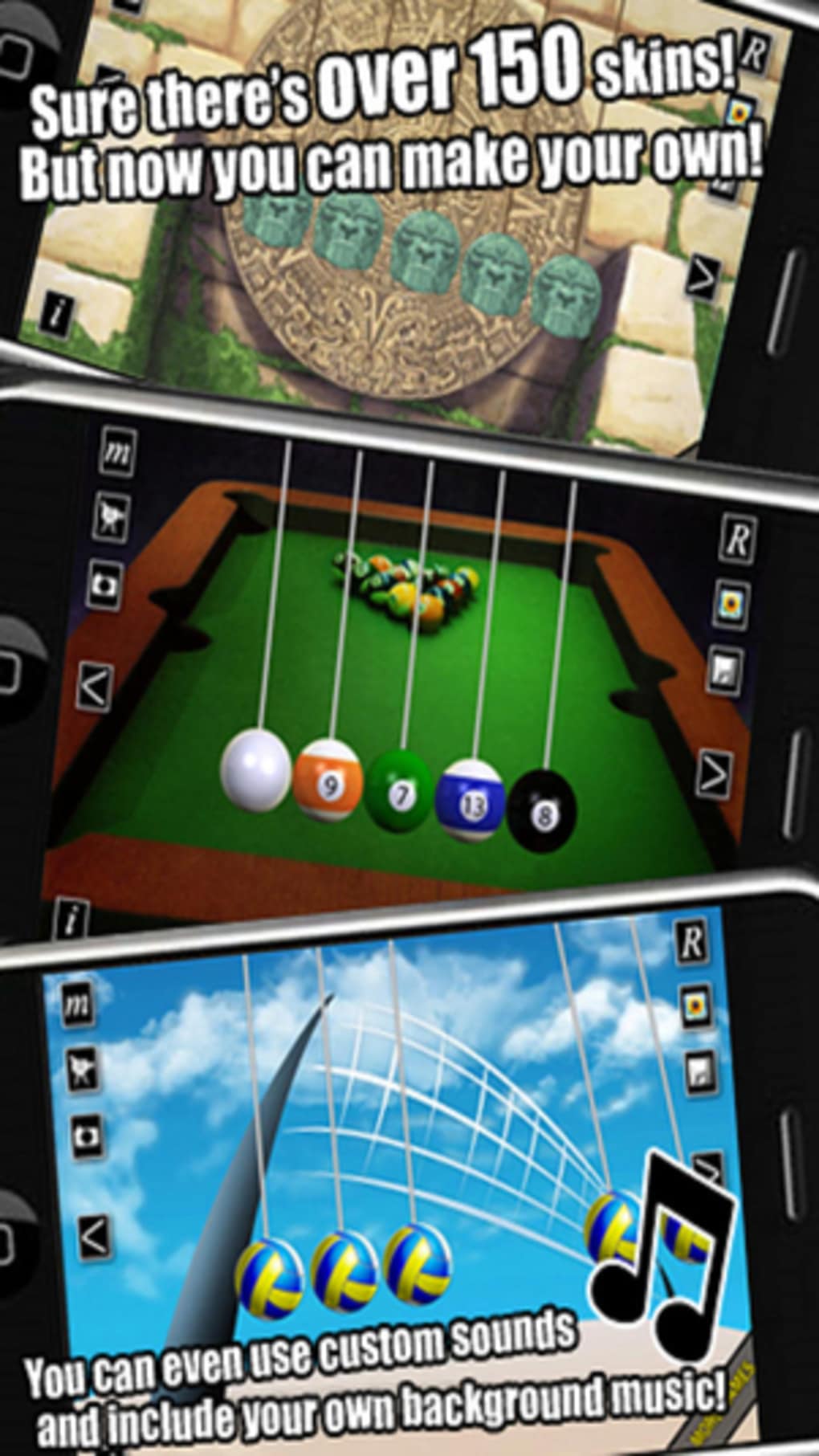
- Customizable Visual Skins – A variety of ball designs are available, including traditional metallic spheres, animated faces, and basketball-style visuals, allowing personalization of the experience.
- Smooth Animation & Sound Effects – High-quality graphics and subtle audio cues enhance immersion, contributing to the app’s hypnotic effect.
- Minimalist Interface – The design focuses on the core simulation, avoiding clutter and maintaining visual clarity.
These features enable users to experiment with different launch angles and ball combinations, creating unique motion patterns. The interactive control method supports both single and multi-ball manipulation, allowing for complex sequences. Visual skins let users tailor the aesthetic to their mood or preference. The combination of realistic physics and sensory feedback makes the experience both entertaining and grounding, ideal for short mental resets.
User Interface, Workflow & Performance
The user interface of Kinetic Balls is intentionally minimal, placing full focus on the central simulation area. Navigation is straightforward: users interact directly with the balls via mouse or touch input. The workflow begins with selecting a ball or group, dragging it into position, and releasing to initiate motion.
While the core interaction is simple, the touch controls have been noted as occasionally unresponsive, which may affect precision during fast or delicate maneuvers. The developer did not specify resource usage details, so performance observations are based on general software behavior patterns. The application runs efficiently on modern systems, with a small footprint of 25 MB.
Stability appears consistent during typical use, with no reported crashes or freezes. CPU and RAM usage remain low under normal conditions, making it suitable for background operation. The overall experience is smooth and distraction-free, aligning with its intended purpose as a stress-relief tool.
Compatibility & System Requirements
Kinetic Balls is compatible with both Windows and Mac operating systems, supporting a wide range of desktop environments. The software version is 1.0, indicating a stable initial release. Installation requires 25 MB of disk space, which is minimal and suitable for most systems.
The developer did not provide additional system requirements, so exact hardware specifications such as processor speed, RAM, or graphics capabilities remain unspecified. Compatibility information was partially provided, leaving some users uncertain about older or low-end machines. However, the lightweight nature of the application suggests broad accessibility across various desktop configurations.
No specific hardware acceleration or driver dependencies were mentioned, reducing potential setup barriers.
Pros and Cons
Pros
- Realistic physics simulation enhances immersion and authenticity.
- Visually appealing with high-quality graphics and sound effects.
- Lightweight installation (25 MB) ensures fast setup and minimal storage use.
- Multiple visual skins allow personalization and visual variety.
- Free to download and use, with no in-app purchases or ads.
Cons
- Touch controls can be unresponsive or fiddly, affecting precision.
- Difficulty in stopping motion once balls are in motion may disrupt user control.
- Limited functionality—no additional modes, levels, or interactive goals.
- No detailed system requirements provided, which may hinder compatibility assessment.
- Minimal user guidance or onboarding for first-time users.
FAQ Section
Is Kinetic Balls available for both Windows and Mac?
Yes, Kinetic Balls is compatible with both Windows and Mac operating systems, making it accessible to a broad desktop user base.
Is the software safe to download and install?
As a free desktop application with no reported security issues, Kinetic Balls is considered safe for installation. It does not require elevated permissions or external dependencies.
Does Kinetic Balls require an internet connection?
No, the software operates entirely offline. All features, including skins and physics simulations, function without an internet connection.
Are there any updates available for Kinetic Balls?
Version 1.0 was released on May 15, 2024. While no future updates have been announced, the developer may release patches or enhancements based on user feedback.
What type of license does Kinetic Balls use?
Kinetic Balls is distributed under a free license. Users may download, install, and use the software without cost or restrictions.
Final Thoughts
Kinetic Balls delivers a focused, serene experience centered around realistic physics and visual appeal. While it serves no functional productivity purpose, its value lies in mental relaxation and sensory engagement. The combination of smooth animations, responsive physics, and customizable visuals makes it an effective tool for brief mindfulness breaks.
The free pricing model and minimal system demands further enhance its accessibility. Though minor usability issues with touch controls exist, they do not detract significantly from the overall experience. For users seeking a simple, calming desktop utility, Kinetic Balls offers a satisfying and distraction-free escape.
Its hypnotic motion and aesthetic variety make it ideal for moments of stress or mental fatigue. Download Kinetic Balls now.







